
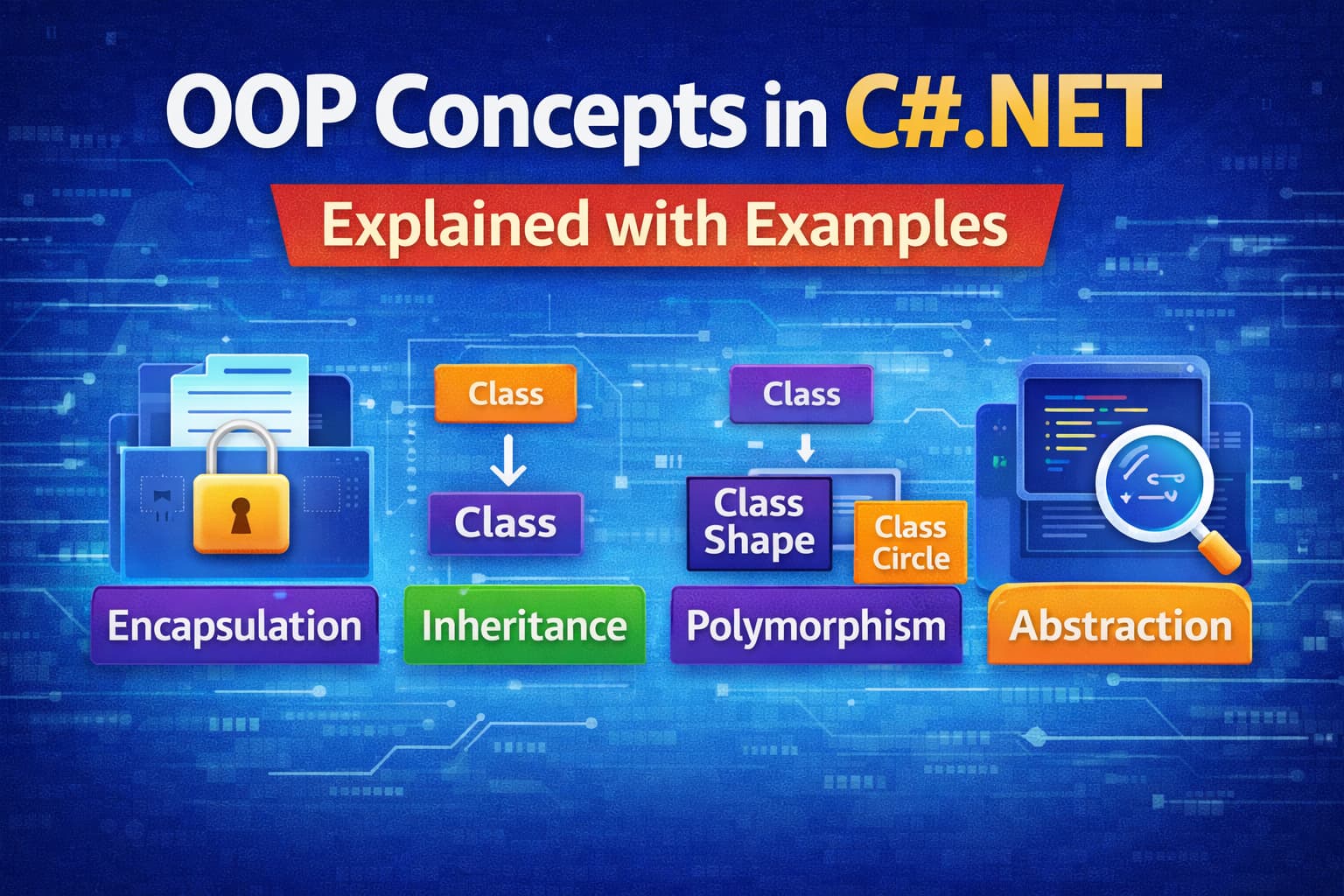
When you start learning modern programming, one concept shows up again and again Object-Oriented Programming (OOP). If you’re working with C# and .NET, understanding OOP isn’t optional, it’s essential.
In simple terms, OOP helps you write code that feels closer to how we think about real-world things. Instead of dealing with scattered functions and variables, you organize your code into objects that have both data and behavior. This makes your applications easier to build, understand, and maintain over time.
In this guide, we’ll walk through the core OOP concepts in C# .NET with simple explanations and practical examples, so you can apply them confidently in your projects.
Basic Building Blocks of OOP
Before learning the main principles, let’s understand three basic ideas.
1. Class
A class is a blueprint.
It is user define datatype. inside a class we define variables, constants, member functions and other Functionality.
It defines what data and behavior an object will have.
2. Object
An object is a real-time entity. It is an instance of a class.
We create an object using the new keyword.
Through an object, we can access all the members (data and methods) of a class.
We can create multiple objects of the same class.
Simple Example of Class and Object
Now let’s understand with a simple example:
public class Student
{
    public string Name;
    public int Marks;

    public void ShowResult()
    {
        Console.WriteLine(Name + " scored " + Marks + " marks");
    }
}Explanation:
- We created a class called
Student - It has two variables:
- Name→ stores student name
- Marks→ stores student marks
- It has one method:
- ShowResult()→ displays student result
This class is just a blueprint, no memory is used yet.
Creating Objects
class Program
{
    static void Main()
    {
        // Creating first object
        Student student1 = new Student();
        student1.Name = "student 1";
        student1.Marks = 85;
        student1.ShowResult();

        // Creating second object
        Student student2 = new Student();
        student2.Name = "student 2";
        student2.Marks = 92;
        student2.ShowResult();
    }
}Explanation
- student1 and student2 are two different objects
- Both are created from the same
Studentclass - Each object has its own values
- Same method gives different output based on object
Output
student 1 scored 85 marks
student 2 scored 92 marks3. Constructor
A constructor is a special method in a class that is automatically called when an object is created.
- Constructor name is same as class name
- It has no return type
- It runs automatically when object is created
- Used to set initial values
Given are the different types of constructors
1. Default Constructor
- No parameters
- Runs automatically when object is created
- Used to assign default values
public Student()
{
    Name = "Unknown";
    Marks = 0;
}2. Parameterized Constructor
A parameterized constructor is a constructor that accepts parameters. It allows you to assign custom values to an object at the time of its creation.
Why use it?
It helps initialize objects with specific values instead of setting them later.
Example:
public class Student
{
    public string Name;
    public int Marks;

    public Student(string name, int marks)
    {
        Name = name;
        Marks = marks;
    }
}

public class Program
{
    public static void Main()
    {
        Student s1 = new Student("TestName", 85);

        Console.WriteLine(s1.Name);
        Console.WriteLine(s1.Marks);
    }
}When the object is created, the values are automatically assigned.
Why OOP Concepts in C# .NET Are Important
Before jumping into the core concepts, it’s important to understand why OOP concepts in C# .NET matter.
C# and .NET are built around object-oriented programming because it makes code easier to manage and understand. It helps developers:
- Organize code in a clear and structured way
- Reuse existing code instead of writing everything from scratch
- Reduce complexity in large applications
- Build applications that are easier to maintain and scale
Most real-world applications—like banking systems, e-commerce platforms, and APIs—use OOP concepts in C# .NET to handle complex logic in a simple way.
Core OOP Concepts in C# .NET
Now that the basics are clear, let’s understand the four main OOP concepts in C# .NET step by step.
1. Encapsulation (Protecting Data)
Encapsulation means hiding internal data and controlling how it is accessed from outside the class.
In simple terms, you don’t allow direct access to your data. Instead, you use methods to read or update it safely.
Real-life example:
Think of an ATM. You can withdraw money or check your balance, but you cannot directly access or modify the bank’s internal data.
Example:
public class BankAccount
{
    private double balance;

    public void Deposit(double amount)
    {
        if (amount > 0)
        {
            balance += amount;
        }
    }

    public double GetBalance()
    {
        return balance;
    }
}Here, balance is private, so no one can change it directly.
Users must use the Deposit method, which ensures only valid data is added.
- Data is hidden using
private - Access is controlled through
publicmethods - Helps improve data security and validation
2. Inheritance (Reusing Code)
Inheritance allows one class to reuse properties and methods of another class.
In inheritance one class properties access in another class.
Inheritance allows one class to reuse properties and methods from another class.
In simple terms, you can create a new class based on an existing class, so you don’t have to write the same code again.
Real-life example:
A car and a bike are both types of vehicles. They share some common features like speed and start/stop functionality.
Example:
public class Vehicle
{
    public void Start()
    {
        Console.WriteLine("Vehicle started");
    }

    public void Stop()
    {
        Console.WriteLine("Vehicle stopped");
    }
}

public class Car : Vehicle
{
    public void PlayMusic()
    {
        Console.WriteLine("Playing music in car");
    }
}Here, Car inherits from Vehicle.
So the Car class can use Start() and Stop() without rewriting them.
Car car = new Car();
car.Start();       // inherited
car.PlayMusic(); // own methodKey Points:
- Child class (
Car) inherits from parent class (Vehicle) - Promotes code reuse
- Reduces duplication
- Makes code easier to extend
Types of Inheritance-:
1. Single Inheritance
In single inheritance, one child class inherits from one parent class.
It is the simplest form of inheritance in C#.
Example:
class A
{
    public void Show()
    {
        Console.WriteLine("Class A method");
    }
}

class B : A
{
    public void Display()
    {
        Console.WriteLine("Class B method");
    }
}Explanation:
Ais the parent class (base class)Bis the child class (derived class)- Class
Bcan use methods of classA
Single inheritance means one base class → one derived class
2. Multilevel Inheritance
In multilevel inheritance, a class is derived from another derived class.
It forms a chain of inheritance.
Example:
class A
{
    public void ShowA()
    {
        Console.WriteLine("Class A method");
    }
}

class B : A
{
    public void ShowB()
    {
        Console.WriteLine("Class B method");
    }
}

class C : B
{
    public void ShowC()
    {
        Console.WriteLine("Class C method");
    }
}Explanation:
- Class
Binherits from classA - Class
Cinherits from classB - So
Ccan access methods of bothAandB
Multilevel inheritance means A → B → C (chain structure)
3. Hierarchical Inheritance
In hierarchical inheritance, multiple child classes inherit from one parent class.
Example:
class Vehicle
{
    public void Start()
    {
        Console.WriteLine("Vehicle started");
    }
}

class Car : Vehicle
{
    public void CarType()
    {
        Console.WriteLine("This is a Car");
    }
}

class Bike : Vehicle
{
    public void BikeType()
    {
        Console.WriteLine("This is a Bike");
    }
}Explanation:
- Both
CarandBikeinherit fromVehicle - They share common functionality from the parent class
- But also have their own features
Hierarchical inheritance means one parent → multiple child classes
3. Polymorphism (One Name, Many Forms)
Polymorphism means one name with many forms.
In simple terms, the same method can behave differently in different situations.
In OOP concepts in C# .NET, polymorphism is mainly of two types:
Types of Polymorphism in C#
There are two types:
- Compile-Time Polymorphism (Method Overloading)
- Runtime Polymorphism (Method Overriding)
1. Compile-Time Polymorphism (Method Overloading)
This happens when multiple methods have the same name but different parameters.
Example:
public class Calculator
{
    public int Add(int a, int b)
    {
        return a + b;
    }

    public int Add(int a, int b, int c)
    {
        return a + b + c;
    }
}Usage:
Calculator calc = new Calculator();

Console.WriteLine(calc.Add(2, 3));      // 5
Console.WriteLine(calc.Add(2, 3, 4)); // 9Same method name Add, but different number of parameters.
2. Runtime Polymorphism (Method Overriding)
This happens when a child class provides a different implementation of a method defined in the parent class.
In method overriding, the method name and parameters stay the same, but each class provides its own implementation. This allows different classes to behave differently using the same method.
Example:
public class Notification
{
    public virtual void Send()
    {
        Console.WriteLine("Sending notification");
    }
}

public class EmailNotification : Notification
{
    public override void Send()
    {
        Console.WriteLine("Sending Email");
    }
}

public class SMSNotification : Notification
{
    public override void Send()
    {
        Console.WriteLine("Sending SMS");
    }
}Usage:
Notification n;

n = new EmailNotification();
n.Send();   // Sending Email

n = new SMSNotification();
n.Send(); // Sending SMSSame method Send(), but different behavior based on object.
Key Points:
- One method name, multiple behaviors
- Two types: Compile-time and Runtime
- Improves flexibility and code reusability
- One of the core OOP concepts in C# .NET
4. Abstraction (Hiding Implementation Details)
Abstraction means showing only the important features and hiding the internal details.
In simple words, the user knows what an object does, but not how it does it internally.
It is an important part of OOP concepts in C# .NET because it reduces complexity and makes code easier to use.
Real-life example:
When you use a mobile phone, you can:
- Make calls
- Send messages
- Use apps
But you don’t know how internal circuits and software work. That hidden part is abstraction.
Example in C#
Abstraction is achieved using abstract classes.
public abstract class Payment
{
    public abstract void Pay();
}

public class CreditCardPayment : Payment
{
    public override void Pay()
    {
        Console.WriteLine("Payment done using Credit Card");
    }
}

public class UpiPayment : Payment
{
    public override void Pay()
    {
        Console.WriteLine("Payment done using UPI");
    }
}Usage:
Payment payment;

payment = new CreditCardPayment();
payment.Pay();

payment = new UpiPayment();
payment.Pay();Key Points:
- Hides internal implementation details
- Shows only necessary features
- Achieved using abstract classes or interfaces
- Reduces complexity
- Part of OOP concepts in C# .NET
Abstraction means hiding the internal logic and showing only functionality to the user.
Conclusion
In this article, we learned the main OOP concepts in C# .NET: Encapsulation, Inheritance, Polymorphism, and Abstraction.
Each concept plays an important role in building clean, reusable, and maintainable applications.
- Encapsulation helps in protecting data
- Inheritance helps in reusing code
- Polymorphism helps in achieving flexibility
- Abstraction helps in hiding unnecessary details
Together, these OOP concepts in C# .NET make software development more structured and easier to manage, especially in large applications like web apps, APIs, and enterprise systems.
Understanding these concepts is very important for every C# developer before moving to advanced topics.
Related Articles
- Difference between .NET Framework, .NET Core & .NET 8
- What is .NET Full Stack Development? Beginner Guide – Understand the full .NET full stack development.
- What Is ASP.NET MVC Framework? Architecture, Features, Life Cycle & Example – Learn ASP.NET MVC
- What Is Web API in .NET? Explained Simply
- Learn How to Create ASP.NET Core 8 Web API (CRUD Guide)
- How to Implement JWT Authentication in ASP.NET Core 8
- How to Implement Caching in ASP.NET Core 8 Web API (Types & Examples)
- What Is Middleware in ASP.NET Core 8? Request Pipeline Explained with Custom Middleware Example
- Azure for .NET Developers: Beginner Guide
- How to Optimize ASP.NET Core 8 Web API Performance
- Dependency Injection in .NET Core